
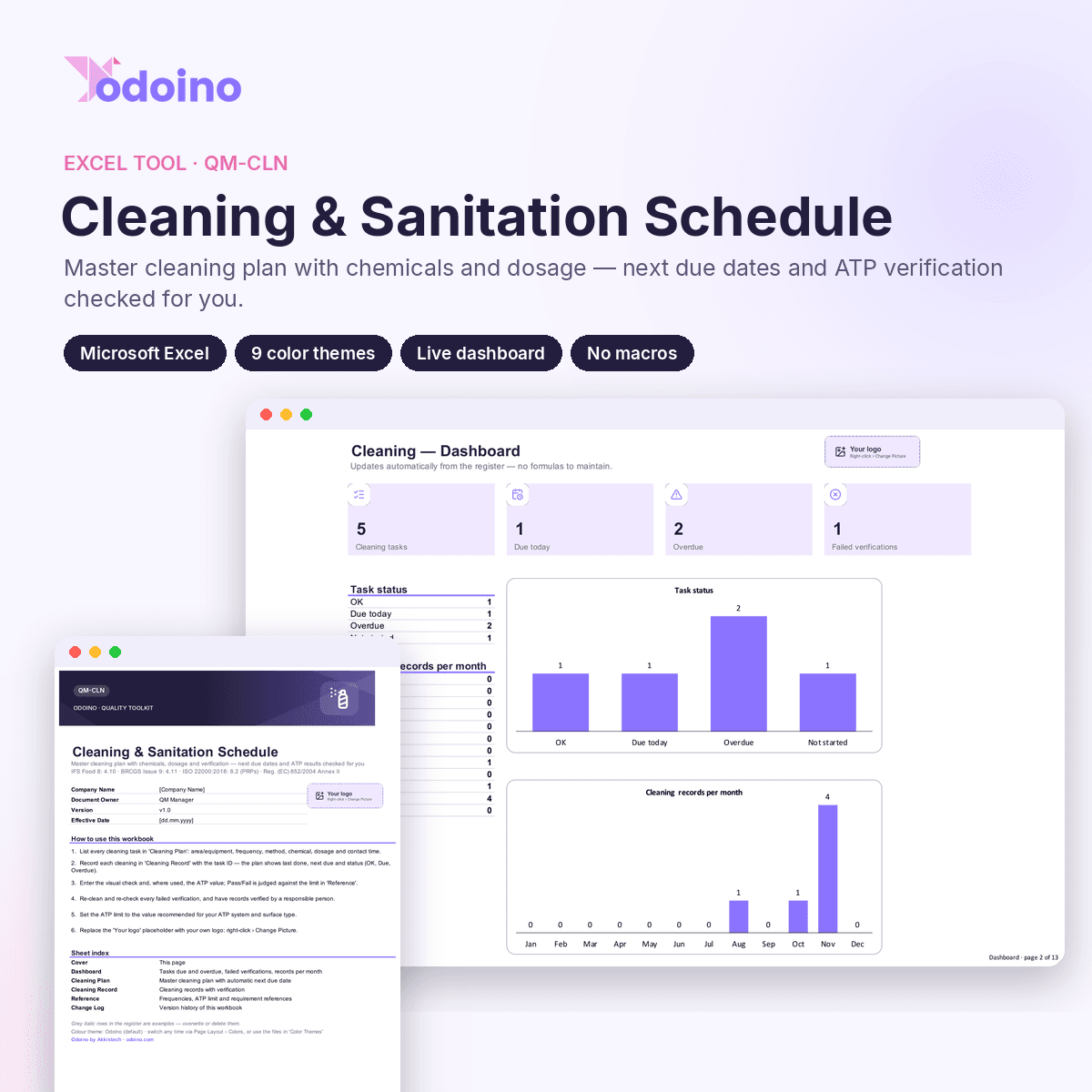
Cleaning & Sanitation Schedule — Excel
€9.90 one-time payment
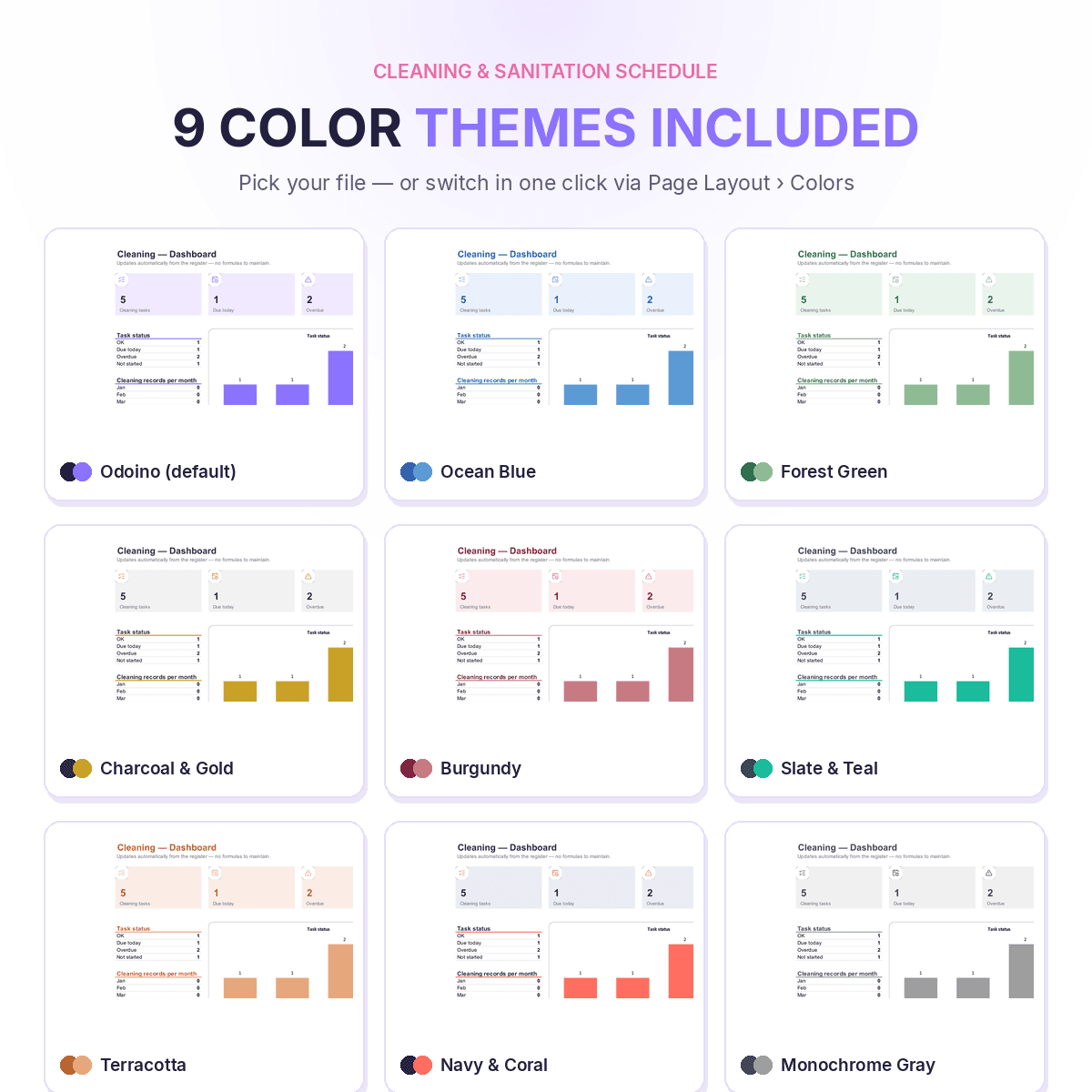
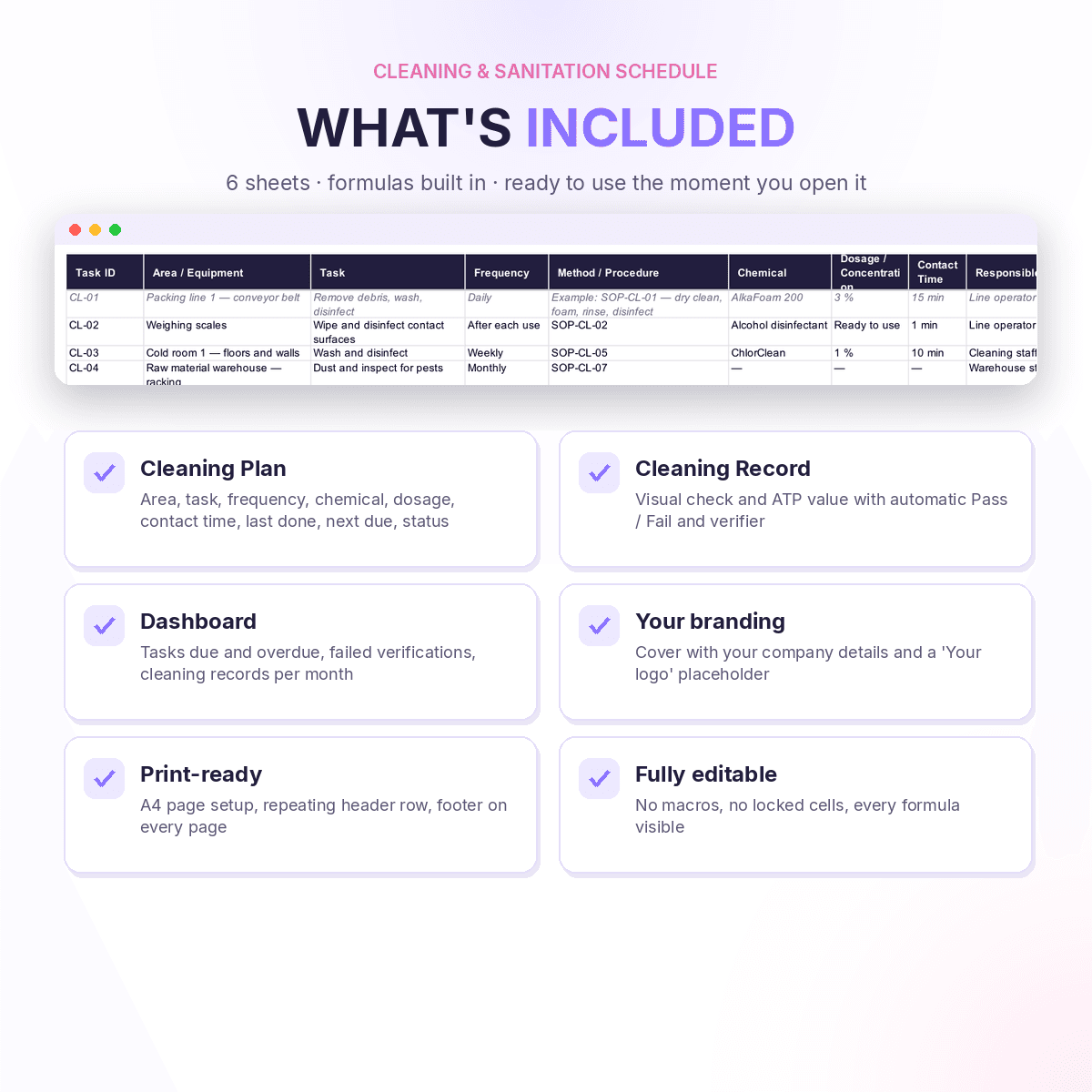
Cleaning & Sanitation Schedule — Excel Master cleaning plan and cleaning records in one workbook — next due dates and verification results calculated for you. WHAT'S INCLUDED (6 sheets) - Cover — company details, logo placeholder, quick-start steps - Dashboard — cleaning tasks, due today, overdue, failed verifications; task status and records per month - Cleaning Plan — area/equipment, task, frequency, method, chemical, dosage, contact time, responsible, verification method, last done, next due, status - Cleaning Record — 200 rows: date, task, performer, visual check, ATP value, automatic Pass / Fail, re-clean, verifier - Reference — frequency to days, ATP pass limit, requirement references - Change Log — version history STANDARD REFERENCES IFS Food 8: 4.10 · BRCGS Issue 9: 4.11 · ISO 22000:2018: 8.2 · Reg. (EC) 852/2004 Annex II DESIGNED FOR DAILY USE - Cover page with your company details and a 'Your logo' placeholder (right-click › Change Picture) - 9 color themes included — or switch in one click via Page Layout › Colors - Dropdown lists, automatic numbering, colour-coded status and overdue highlighting - Print-ready: A4 page setup, repeating header row, footer on every page - Grey example rows show how it works — overwrite or delete them FILE DETAILS Format: ZIP with the Excel workbook (.xlsx) in the Odoino theme plus 8 alternative color themes Works in: Microsoft Excel (Windows & Mac) — no macros, no locked cells Language: English Instant digital download
The problem this solves
A cleaning schedule on the wall says what should happen, but not what did — or whether it worked. This workbook keeps the master cleaning plan and the records together, calculates when each task is due next and judges every verification against your limit — built around IFS Food 8 4.10 and BRCGS 4.11.
What’s included
- QM-CLN_Cleaning_Schedule.zip — ZIP Archive, 607.0 KB
Who it’s for
Operations leads keeping a process or department running smoothly, small business owners who feel the absence of the structure larger companies take for granted, and independent consultants who need their own work to look and run as organized as a larger team’s — anyone who’s tired of rebuilding the same weekly tracking structure from scratch for each new project.
How it’s used
At the start of each week, open the tracker and run through five questions before filling it in: what’s still genuinely unfinished from last week, what’s predictably recurring versus what’s actually new, which single task causes real downstream cost if it’s missed, who else a given task touches, and what “done” looks like by the end of the week. Log each task with its owner, priority, and status, and update status as the week moves — the included Instructions sheet walks through this in full.
Preview
Trust elements
- License
- Personal and single-business use license. See the full License Agreement at /legal/license.
- Current version
- v1.0 — Initial release.
FAQ
No product-specific questions have come up yet — see the site FAQ or contact us.
Related products
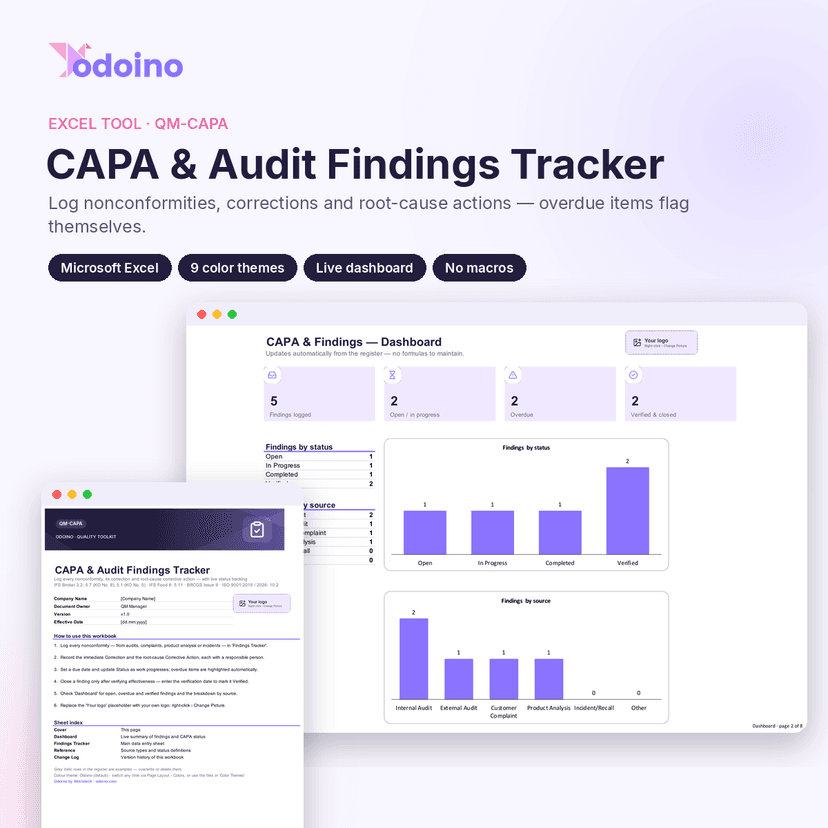
CAPA & Audit Findings Tracker — Excel
Excel CAPA tracker: log every nonconformity with correction, root-cause corrective action, due date and effectiveness check — live dashboard, overdue alerts and 9 color themes.
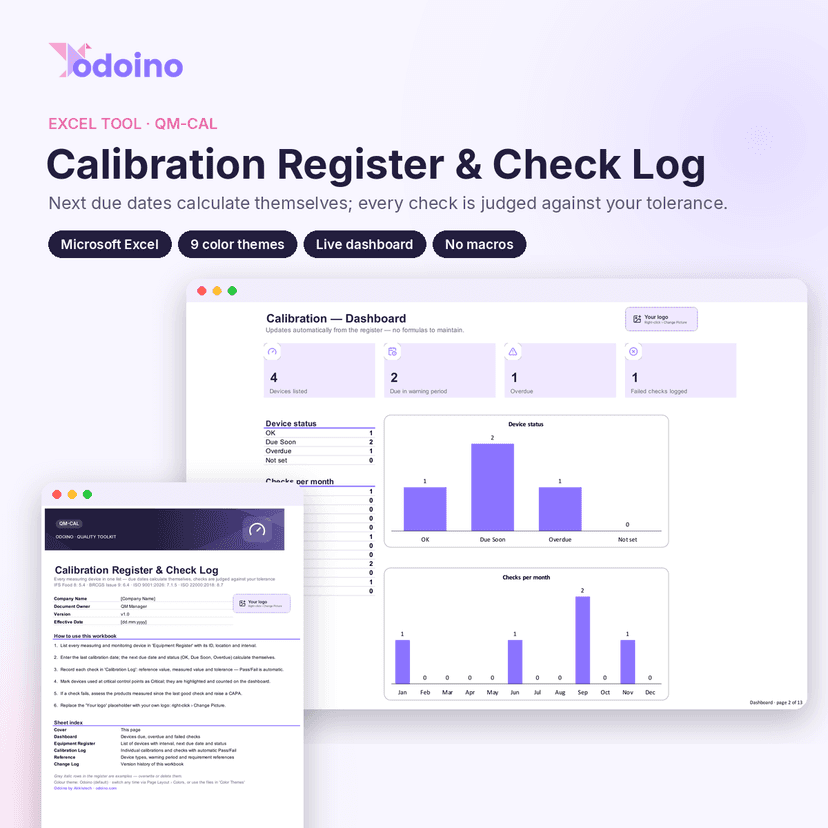
Calibration Register & Check Log — Excel
Excel calibration register: every measuring device with interval and next due date, plus a check log with deviation and automatic Pass / Fail — dashboard and 9 color themes.
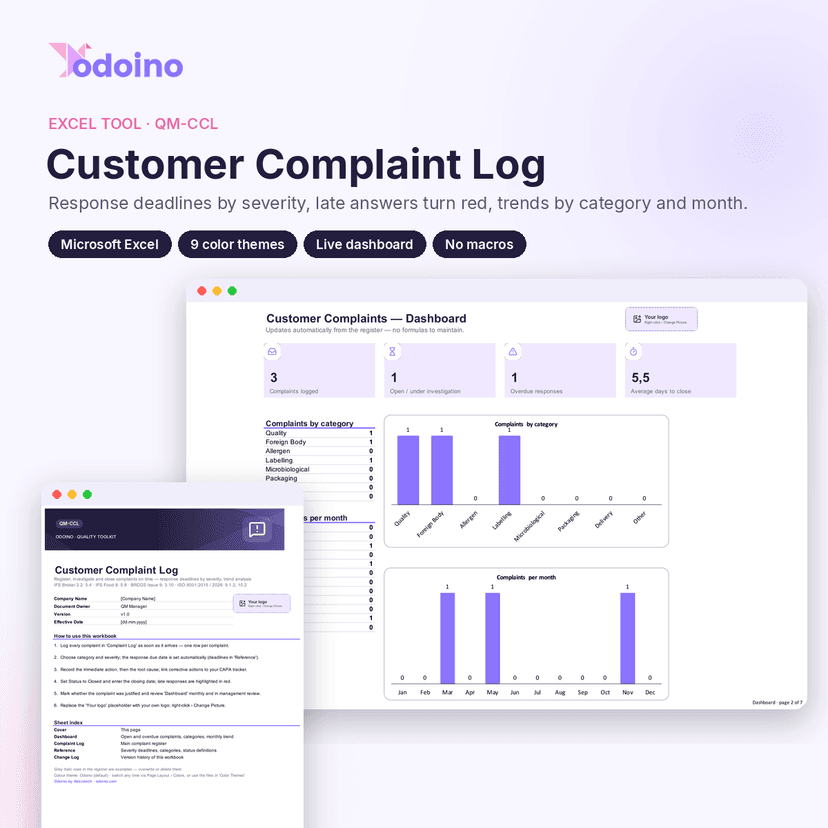
Customer Complaint Log — Excel
Excel complaint register: response deadlines by severity, late answers highlighted, root cause and CAPA link, trends by category and month — dashboard and 9 color themes.