
QM-501 | IFS Broker 3.2 — Internal Audit System Module
€89.00 one-time payment
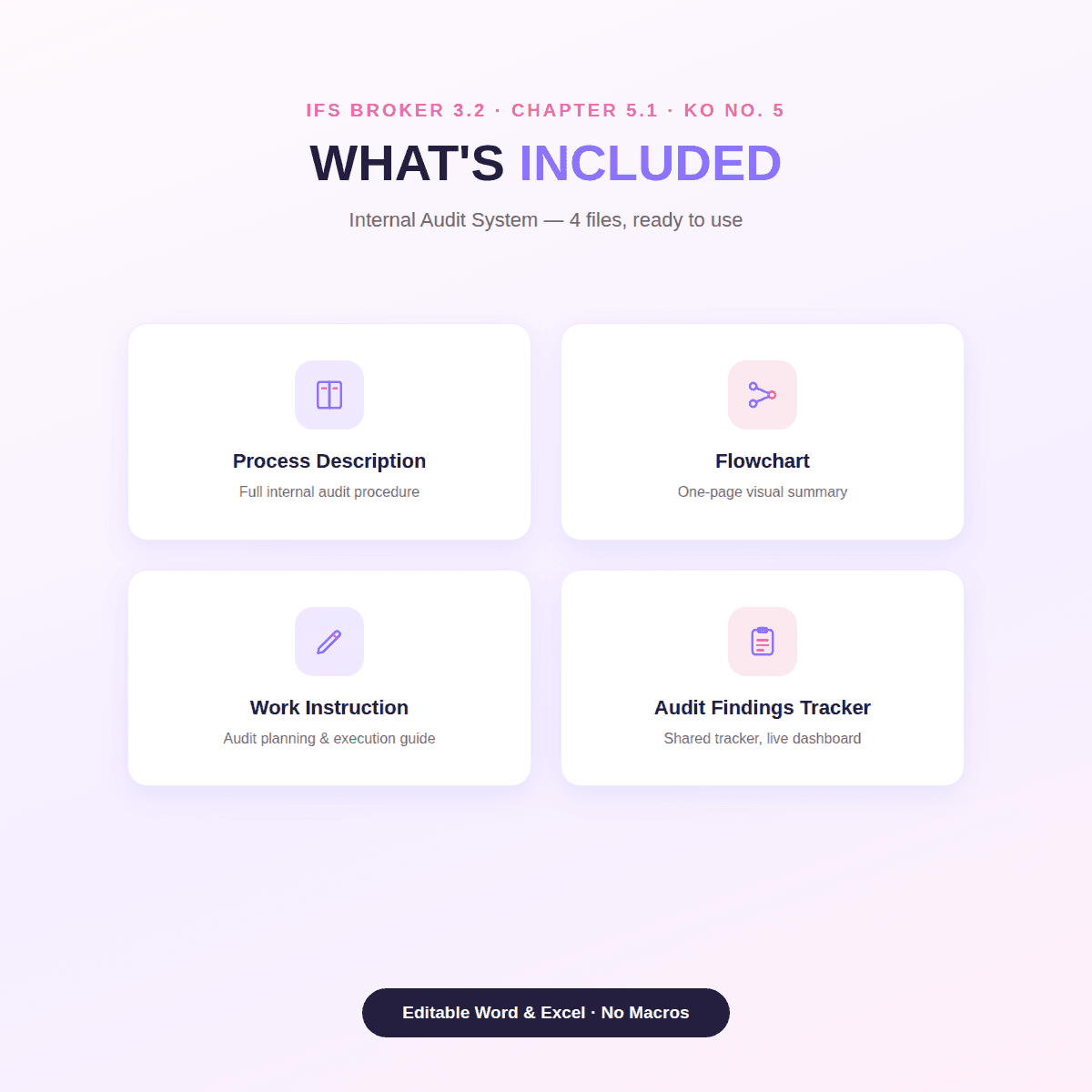
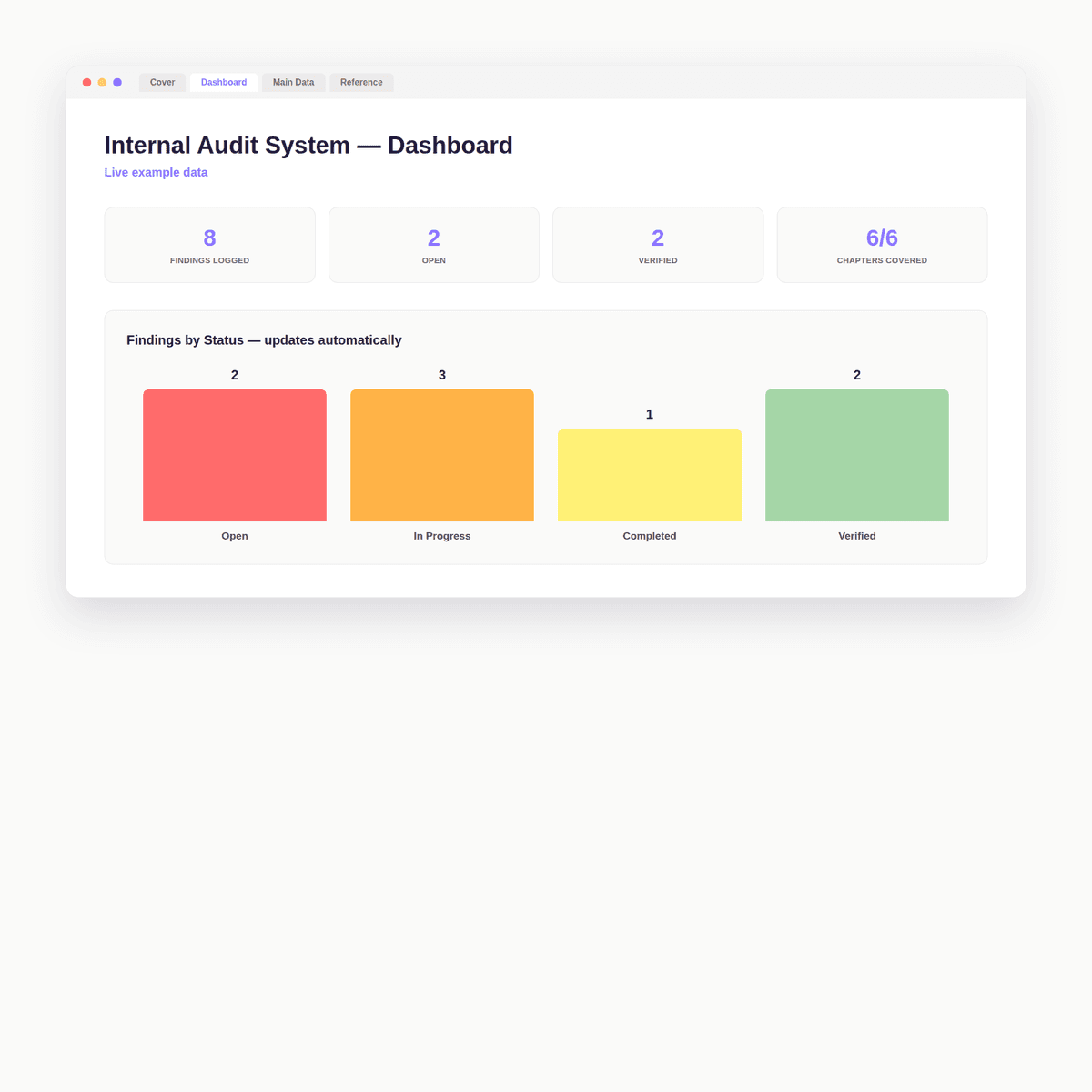
IFS Broker 3.2 — Internal Audit System Module (Chapter 5.1, KO No. 5) WHAT'S INCLUDED - QM-501 Process Description (Word) — full internal audit procedure - QM-501-F Flowchart (Word) — one-page visual summary - QM-501-WI Work Instruction (Word) — step-by-step audit planning & execution guide - QM-CAPA Audit Findings Tracker (Excel, 5 sheets) — Cover, Dashboard with live status & source charts, findings log with auto-numbering, Reference, Change Log HOW IT WORKS Build your annual audit program against the included chapter-coverage checklist (covers all 6 chapters, no gaps), then log every finding — with source, IFS reference, correction, and corrective action — in the shared tracker. Note: this tracker is shared with the CAPA System module (QM-505), since audit findings and corrective actions are tracked together in practice. FILE DETAILS Word (.docx) + Excel (.xlsx), fully editable, no macros. English. Instant download.
The problem this solves
A surprisingly common audit finding: the internal audit program itself doesn't cover every chapter of the standard — Chapter 1 and document control are the most frequently missed. This module includes a chapter-by-chapter coverage checklist built specifically to prevent that gap, plus a tracker to log every finding to closure.
What’s included
- QM_501_Internal_Audit_System.zip — ZIP Archive, 43.1 KB
Who it’s for
Operations leads keeping a process or department running smoothly, small business owners who feel the absence of the structure larger companies take for granted, and independent consultants who need their own work to look and run as organized as a larger team’s — anyone who’s tired of rebuilding the same weekly tracking structure from scratch for each new project.
How it’s used
At the start of each week, open the tracker and run through five questions before filling it in: what’s still genuinely unfinished from last week, what’s predictably recurring versus what’s actually new, which single task causes real downstream cost if it’s missed, who else a given task touches, and what “done” looks like by the end of the week. Log each task with its owner, priority, and status, and update status as the week moves — the included Instructions sheet walks through this in full.
Preview
Trust elements
- License
- Personal and single-business use license. See the full License Agreement at /legal/license.
- Current version
- v1.0 — Initial release.
FAQ
No product-specific questions have come up yet — see the site FAQ or contact us.
Related products
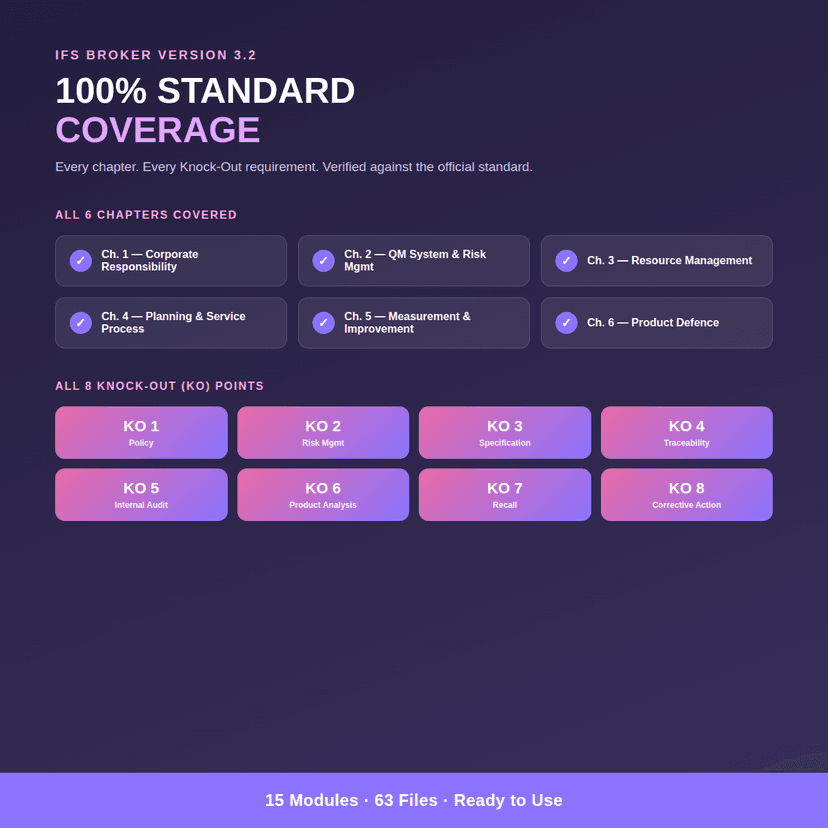
IFS Broker 3.2 QMS Template Pack — Full Bundle (15 Modules)
Complete IFS Broker 3.2 QMS system — 15 modules, all 6 chapters, all 8 KO points covered. Process descriptions, flowcharts, Excel registers, and work instructions for every requirement. Editable Word & Excel, ready to use.
IFS Broker Risk Scoring Matrix - Excel
Automated IFS Broker 3.2 risk scoring matrix for Excel. Enter severity & probability — get instant risk classification (Low/Medium/High/Critical) and a live dashboard chart, no formulas to build yourself.
QM-202_IFS Broker 3.2 — Risk Management System Module
Automated IFS Broker 3.2 risk management module. Risk scoring matrix with live dashboard, process description, flowchart, and work instruction — everything needed for Chapter 2.3 (KO No. 2).