
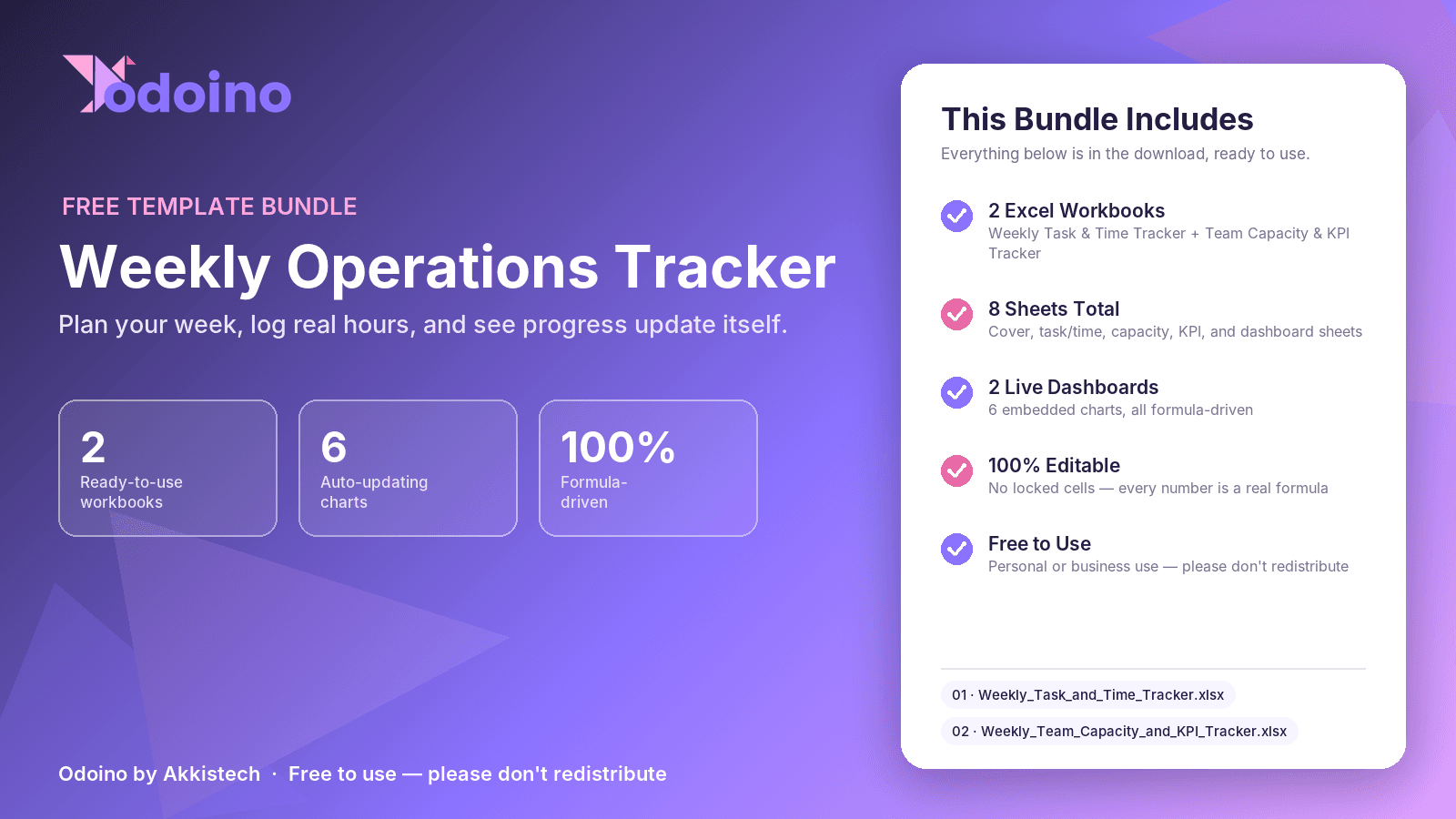
Weekly Operation Tracking Tool
Free
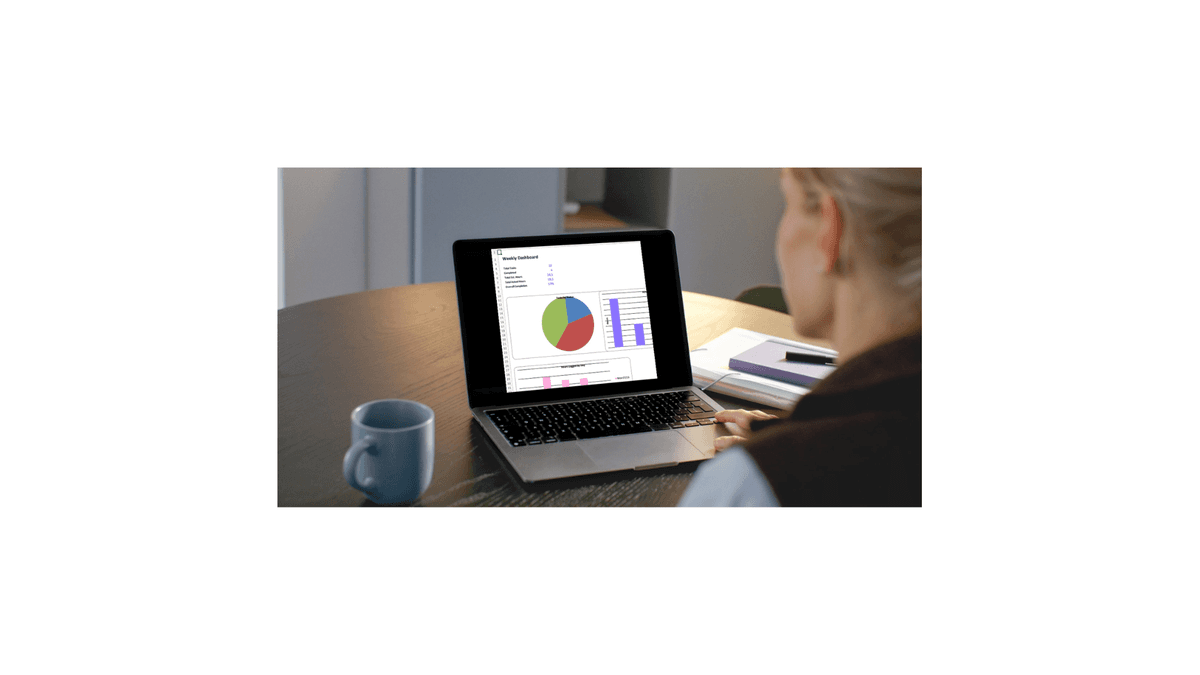
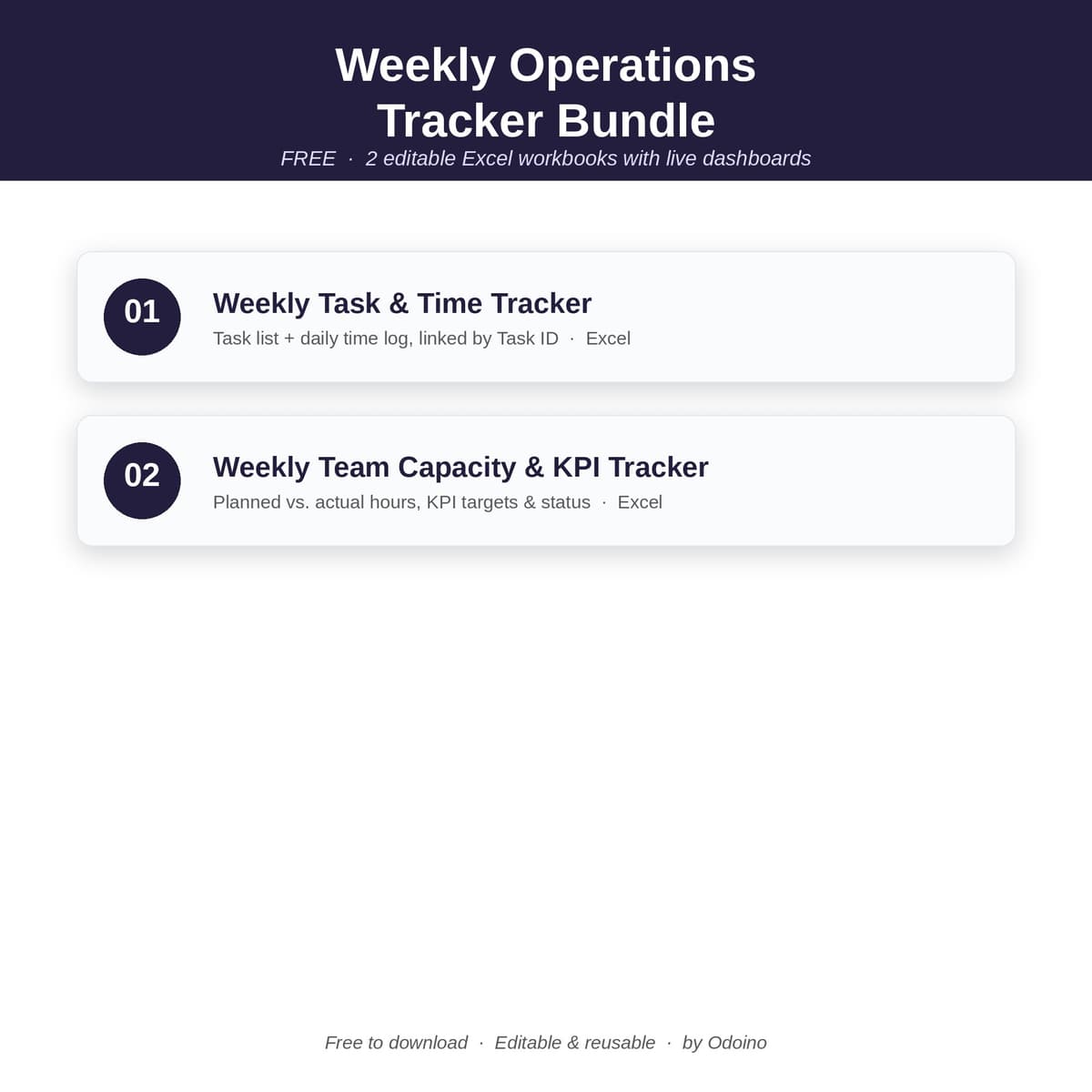
The Weekly Operations Tracker is a free, editable Excel toolkit that helps small business owners, freelancers, and small teams plan their week, track tasks, and see exactly where their time goes — without any expensive project management software. This bundle includes two ready-to-use spreadsheets: Weekly Task & Priority Tracker — log tasks with owner, priority, due date, and status. Automatically flags overdue items and shows your team's completion rate on a built-in dashboard with charts. Weekly Time & Output Tracker — log daily time by category and see a full breakdown of hours by day and by category, so you know exactly where your week actually went. Both files are pre-built with working formulas, dropdown menus, color-coded status tracking, and an automatic dashboard — just open in Excel or Google Sheets and start filling in the yellow cells. No setup, no formulas to write yourself, no learning curve. Perfect for: small business owners, solo founders, freelancers, operations managers, and anyone who wants a simple weekly rhythm without adopting a full software platform. Free to download. Editable, reusable, and yours to adapt every week.
The problem this solves
Small teams and solo business owners often bounce between sticky notes, memory, and overly complex project management tools just to answer two simple questions: "What still needs to get done this week?" and "Where did my time actually go?" This tracker solves both with a lightweight, no-signup Excel solution that auto-calculates completion rates and time breakdowns — so you spend less time managing your tracker and more time doing the work.
What’s included
- weekly_operation_tracker-v.1.0.zip — ZIP Archive, 414.7 KB
Who it’s for
Operations leads keeping a process or department running smoothly, small business owners who feel the absence of the structure larger companies take for granted, and independent consultants who need their own work to look and run as organized as a larger team’s — anyone who’s tired of rebuilding the same weekly tracking structure from scratch for each new project.
How it’s used
At the start of each week, open the tracker and run through five questions before filling it in: what’s still genuinely unfinished from last week, what’s predictably recurring versus what’s actually new, which single task causes real downstream cost if it’s missed, who else a given task touches, and what “done” looks like by the end of the week. Log each task with its owner, priority, and status, and update status as the week moves — the included Instructions sheet walks through this in full.
Preview

Trust elements
- License
- Personal and single-business use license. See the full License Agreement at /legal/license.
- Current version
- v1.0 — Initial release.
FAQ
No product-specific questions have come up yet — see the site FAQ or contact us.